Latest Shows
Listen and Read
No Results Found
The page you requested could not be found. Try refining your search, or use the navigation above to locate the post.
The Latest!

The Data Privacy Revolution: A New Era of Consumer Protection
Let's chat about something important: data privacy laws. In today's digital world, our personal information is flying around all over the place. It's like our data is on a wild adventure, hopping from company to company, and sometimes, we don't even know where it ends up! 😳 Don't miss the detailed summaries of the Privacy Laws of New Hampshire, Massachusetts, Maine, and Virginia at the end of this article. But fear not, because governments around the world are trying to rein in this data free-for-all with privacy laws. Think of them as the sheriffs 🤠 of the digital Wild West, laying down the law to protect our personal information. Now, the tricky part is that these laws can vary quite a bit from place to place. It's like every country and state has its own unique recipe for data protection. 🌍 Over in Europe, they've got the General Data Protection Regulation (GDPR), which is like the granddaddy of privacy laws. It's got some serious teeth, with big fines for companies that don't...

Free Antivirus vs. Paid: Does Windows Defender Cut It Anymore?
Let's dive into the question of whether Microsoft's built-in Windows Defender antivirus is enough to keep your PC safe from cyber nasties. 🛡️ 💻 The TL;DR? While Windows Defender has come a long way and provides solid essential protection, it still has some gaps that make adding a third-party antivirus -- a smart move for many people. But let's break it down! 🔍 What Does Windows Defender Offer? Windows Defender, now called Microsoft Defender Antivirus, comes baked into Windows 10 and 11. It provides real-time protection against malware, spyware, viruses, ransomware, and other icky cyber threats. 🦠 It scans your email, internet browser, cloud, and apps for any suspicious activity. Plus, it's totally free with Windows - no extra cash required! 💰 👍 Where Windows Defender Shines Over the years, Microsoft has seriously beefed up Windows Defender's game. Independent lab tests now rank it up there with the best for core malware detection. 🥇Independent lab tests, such as those conducted by...

Create Your Digital Fortress: A Complete Guide to Mastering DNS Filtering with OpenDNS for Ultimate Cybersecurity
Today, we're diving deep into the swirling vortex of cybersecurity, focusing on a superhero tool in our digital armor: DNS filtering. 🛡️ 💻 We're spotlighting OpenDNS, a free service that you can use at home and in your business. So, grab your digital toolkit, and let's get started on how to set this up for maximum security! What is DNS Filtering Anyway? First off, let's break down DNS filtering. Imagine DNS (Domain Name System) as the internet's phonebook. It translates human-friendly web addresses like www.example.com into machine-friendly IP addresses. DNS filtering acts as a gatekeeper, deciding which addresses are safe to access based on predefined security rules. Benefits of DNS Filtering: Blocks Hosers: Keeps your computer from going to malicious sites that could be used for phishing or for spreading malware. Keeps Content Clean: Filters out unwanted content based on settings—great for both home and office. Speeds Up Your Surfing: You'll see slight improvements in network...

Unmasking Scams: Free Online Tools to Protect Yourself from Phishers and Frauds
Free Online Tools That Unmask the Masquerade of Scams All right, folks, dealing with potential scams and phishing can be as tricky as trying to nail jelly to a wall. But guess what? There are some nifty tools out there that can be your very own scam-revealing superhero cape. And the best part? They're as free as those little packets of ketchup at the diner. So, let's pop the hood and see what tools can help you stay one step ahead of those crafty con artists. 🦸♂️🌐 Check That Link Before You Click Before clicking on any link, it's essential to verify its integrity to avoid falling prey to malicious threats. Thankfully, there are invaluable tools designed to help you do just that. VirusTotal serves as a robust platform that scans URLs and files against a comprehensive range of security databases, alerting you to any potential risks. Simply paste a suspicious link into VirusTotal, and it will reveal whether it's safe or dangerous. Another exceptional tool is PhishTank, which allows you...
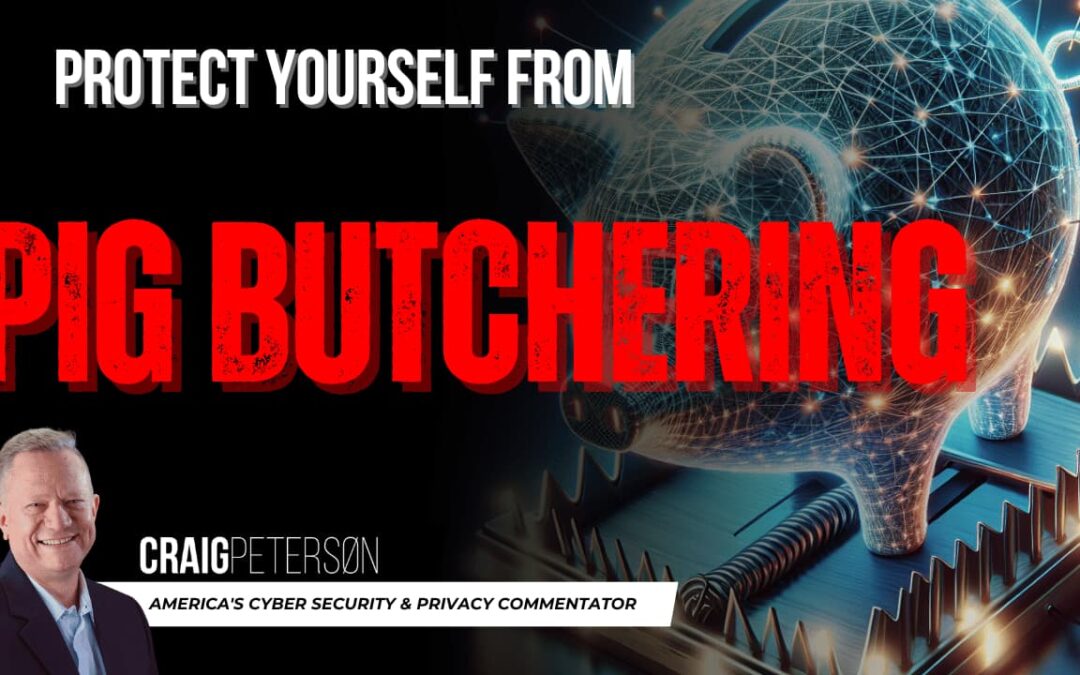
Beware the ‘Pig Butchering’ Scam: Protect Yourself from Digital Deception and Crypto Fraud!
Today, we're diving into the murky waters of a particularly nasty online scam that's been making waves globally. It's called "Pig Butchering," and no, it's not about farming—it's about fattening up victims just to take them for all they're worth. 🌐💻 So, buckle up as we explore why this scam is so effective and how you can shield yourself from falling prey to these digital predators. What's in a Name? Understanding "Pig Butchering" 🐖 The term "Pig Butchering" might sound bizarre in the context of cyber scams, but it paints a vivid picture of the process. Originating from the Chinese phrase "shā zū pán" (which translates to pig-killing plate), this scam is all about grooming victims slowly and steadily. Scammers build trust with potential victims, pretending to be a love interest or a lucrative business partner. Once they've got you believing there's a fortune to be made—often in trendy markets like cryptocurrencies—the trap snaps shut, and they make off with your money. The Lure of...
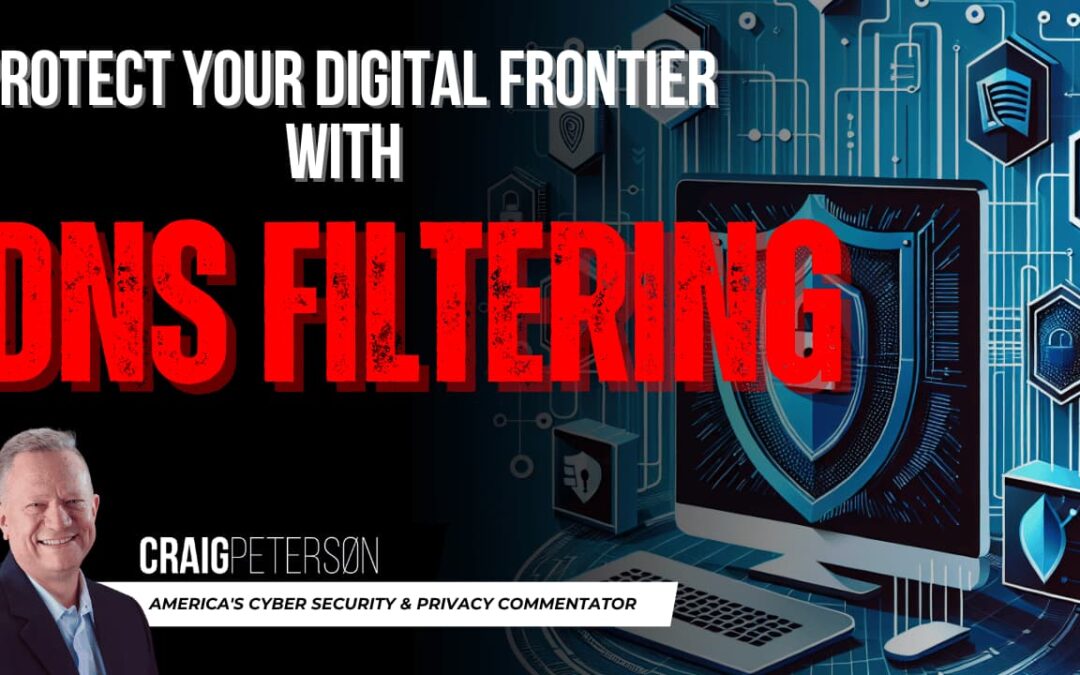
Protect Your Digital Frontier: The Ultimate Guide to DNS Filtering for a Safer Internet Experience
Let's have a little chat about something I like to consider my secret weapon when it comes to staying safe online. It's like putting up a big ol' "No Trespassing" sign on your digital lawn. I'm talking about DNS filtering, and if you're scratching your head wondering what that's all about, you're in for a treat. So, grab a cup of joe, and let's dive in! Imagine you're driving on the information superhighway. Now, think of DNS as your trusty GPS that tells you where to go whenever you punch in an address or click a link. What DNS filtering does is like having an extra savvy co-pilot checking the route ahead for potholes, detours, and—most importantly—the bad parts of town where you just shouldn't go. Here’s how I see it: when you're browsing online, clicking links left and right, you don't want to end up in the wrong digital alleyway—especially those sketchy corners where the internet hosers love to hang out. 🕵️♂️ What is DNS? In the real world you're planning a big road trip to...
Demystifying the Cloud: Unveiling Truths and Busting Myths About Modern Data Storage
🌐 Today, we're going to unravel the mysteries of cloud computing. It's time to bust some myths and get to the truth about the cloud. So, grab your digital surfboard, and let's ride the waves of cloud knowledge! What's the Cloud Anyway? Businesses large and small have been using a magic closet where they can store all their stuff, process it, and then access it from anywhere in the world; that's pretty much what the cloud is. It's a bunch of servers on the internet where you can keep your files and applications, and you can reach them from any device that’s connected to the internet. This is way cooler than usin g just your local computer or an on-site server. "The Cloud" is really just a term for someone else's computer. When you store data in the cloud, you're essentially saving your files on servers owned and maintained by a third-party provider. Let's Clear Up Some Cloud Confusions Kamala Harris isn't the only one confused about what "The Cloud" means when it comes to computers....

The Other Side of Windows Updates: How to Roll Back Windows Updates and Avoid Computer Disasters
Today, we're diving into the world of Windows updates—specifically, how to roll them back when they don't play nice with your system. Ever had a moment of panic after an update goes awry? Your trusty computer slaps you with the dreaded blue screen of death. It's like a horror movie, but for your data. I tell you, after rolling out a certain patch, my inbox was flooded with messages of these blue monstrosities popping up everywhere. It's like a bad Halloween party invitation that you can't decline. Fear not! I'm here to guide you through the safety net of uninstalling Windows updates and reclaiming your digital peace of mind. It's called Rolling Back updates.🛡️ 💻 Why Roll Back? 🔄 It's not just because of a Blue Screen of Death. Let's say you're expecting lightning-fast performance and snazzy new features. But instead, your computer starts acting like it's had a bit too much caffeine—it's jittery, slow, or worse, some apps don't work at all! That's where rolling back an update becomes...
Why Norton and McAfee Aren’t Cutting It Anymore: Exploring Modern Cybersecurity Solutions
Hey there, tech enthusiasts! 🌐 Today, we're diving into the world of cybersecurity, specifically the old-school champs of the game: traditional anti-virus software like Norton and McAfee. Buckle up as we explore why these once go-to solutions are now struggling to keep up with the fast-paced digital threats of our time. 🛡️ 💻 The Old Guard of Cybersecurity Remember the good old days ☎️ when installing Norton or McAfee felt like fortifying your PC with an impenetrable shield? Those programs were designed back in the 1980s for Windows 2.0, and boy, did they do the job well back then! But as we zip through the digital age, it seems these old guards are lagging a bit behind. Let's find out why! Signature-Based Detection: A Double-Edged Sword Traditional anti-virus software has a rusty/trusty old trick: signature-based detection. Think of it as having a most-wanted list of all known viruses. 🦹 When a virus tries to sneak in, the software checks it against the list and blocks it if there's...