Latest Shows
Listen and Read
No Results Found
The page you requested could not be found. Try refining your search, or use the navigation above to locate the post.
The Latest!
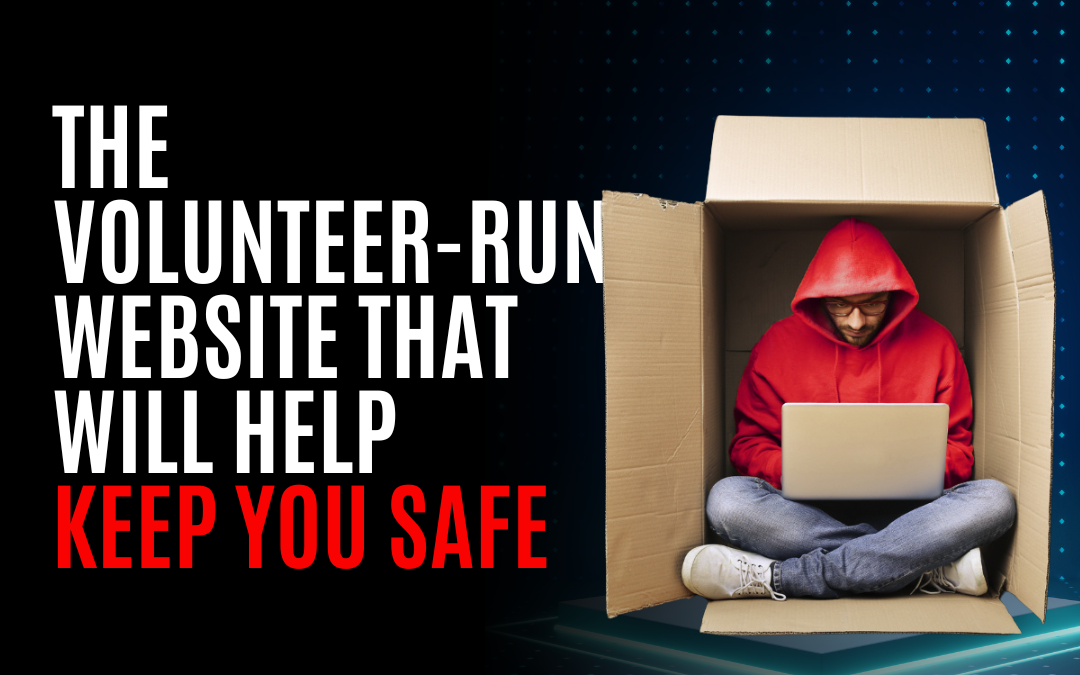
The Volunteer-Run Website That Will Help Keep You Safe
🔐🚫 Don't Get Caught In the Dark" 🔐🚫 Hey there, folks! Grab your coffee, pull up a chair, and get ready for some online safety talk that'll knock your socks off. Today, we're diving deep into a powerful tool called haveibeenpwned.com and why you need it in your digital life. 🌐💻 ⛑️ The Internet Can Be a Dangerous Place ⛑️ Listen up, y'all. We're all cruising through the World Wide Web like cool cats on the prowl, unaware of lurking dangers behind every virtual corner. Hackers and other sneaky hosers are constantly scheming to pillage our sensitive data and exploit our vulnerabilities. 👹😱 But fear not! With haveibeenpwned.com by your side – 🦸♂️ er...in your bookmarks – you can take control of your online security like a digital superhero! Let's explore this bad boy together. 💪 Ignorance Isn't Bliss 💪 Imagine waking up one fine morning to find out that your personal accounts have been hacked and all sorts of private information have been exposed for the world to see 😱🙈 It's like...
From eSIMs to Privacy Ninjas: Mastering Mobile Security
I've got a story that's especially important if you're the kind of person who loves to mix business with the convenience of your cell phone. 📱 Phone Number Online So, a buddy of mine out West decided to put his cell number on his business website, thinking it'd be a great way to connect with new customers. Then he hired a marketing agency to promote his site on Facebook. Sounds like a solid plan, right? Well, hold on to your hats, because this is where it gets interesting—and a bit concerning. Having your cell number out there in the wild world of the web does crank up your risk of bumping into scammers and all sorts of digital mischief, like spoofing or redirecting attacks. These hosers can use your number to try and phish their way into your accounts or even pretend to be you! 😱 Now, I pointed out a nifty trick I've had up my sleeve. I use a Google Voice number on my website, which always takes a message. It's free, and I'm not sweating over an info leak at that stage of a...
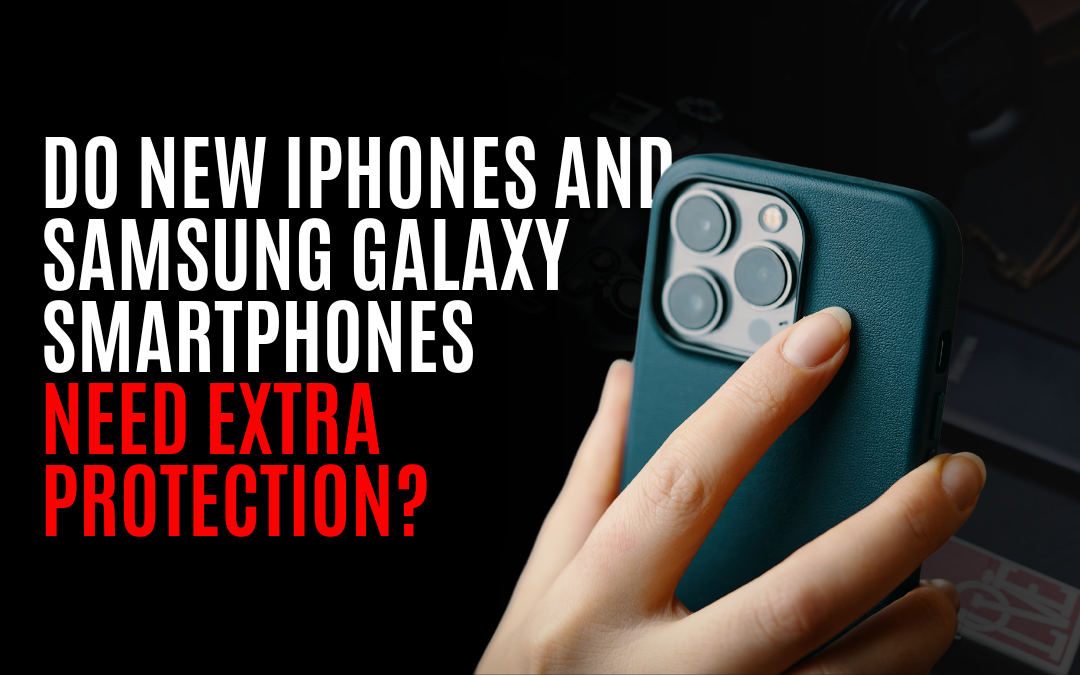
Do new iPhones and Samsung Galaxy Smartphones Need Extra Protection?
We all love our shiny new gadgets, but we also know how clumsy we can be. 🙈 So, it's only natural to wonder if these sleek devices can hold their own without a case. Today, I'm diving deep into the features, advantages, and benefits of using cases for water protection and drop protection. Strap in and let's get right into it! 🌊 Water Protection: Can your phone survive a splash or a dive? We've all had that heart-stopping moment when our precious smartphone meets an unexpected encounter with water. 💦 Whether it's knocking over a glass or dropping your phone in the toilet (yikes!), water damage is no joke. But how well do the latest iPhones and Samsung Galaxies fare against H2O without a case? Let me break it down: Features: - Recent models like the iPhone 12 and Samsung Galaxy S21 boast improved water resistance compared to older versions. - They come with an IP rating (Ingress Protection), indicating their ability to withstand dust and moisture. Advantages: 1️⃣ Peace of Mind: Using a...
Keeping Windows Safe: What’s the Difference Between Windows Defender, Norton, and Malwarebytes? Which Should You Use?
Welcome back, folks! It's time to talk about something crucial in this digital world we live in: keeping our beloved Windows safe from those pesky cybercriminals. With so many security options out there, it can be a real head-scratcher trying to figure out which one is right for you. That's why today, we're going to tackle the big question: What's the difference between Windows Defender, Norton, and Malwarebytes? And more importantly, which one should you use? Let's dive in! Windows Defender: Built-in Superhero First up on our list is Windows Defender. If you're using Windows 10 or newer versions of the operating system (and let's face it, who isn't?), then you already have this built-in superhero at your disposal 🦸♂️🔒. Features: - Real-time protection: It constantly scans and monitors your system for potential threats. - Cloud-based protection: It uses Microsoft's cloud infrastructure to quickly identify new malware. - Firewall and network protection: Helps keep hackers out of your...
The Digital Detox Starter Pack – A Deep-Dive: Clinically Clean and Cyber-safe
Knock, knock! Who's there? It's your unnerving digital space screaming for a clean-up, cluttered with old data and forgotten files - reminiscent of that messy drawer we all have. If this goodbye seems more overwhelming than bidding farewell to an overlong Friday meeting, fear not! We've got the "digital detox" starter pack to help you bid au revoir to unneeded baggage in your computer or smartphone. Let's dive right into it! Tool Recommendation 1: CCleaner Think Mary Poppins for your device! This tidy helper known as CCleaner will do a comprehensive sweep of unwanted temporary files, cache huggers, and sneaky cookies gulping down your storage space. Instructions: Download the matey (CCleaner) via the below links: * For Windows users – [CCleaner](https://www.ccleaner.com/ccleaner/download) * For Mac gurus – [CCleaner for Mac](https://www.ccleaner.com/ccleaner-mac/download) Install and open CCleaner Choose what you'd like it to clean under 'settings." Finish by clicking on...
Data Hoarding: Protecting Your Privacy and Security
In this day and age, where cyber threats and data breaches are lurking around every corner, it’s crucial to take control of the information we store on our computers. So, let me start by asking you this: do you hoard data like your Great Aunt Ethel hoards porcelain cats? 🐱 If so, it’s time to declutter your digital life! Let’s explore why data hoarding is bad for privacy and security (trust me, you’ll want to listen up!) and figure out which types of data we should be deleting from our computers. ☁️ Section 1: The Perils of Data Hoarding ☁️ Imagine this: you open your email one fine morning, only to discover that some sneaky hacker has raided your account. How did they do it? By stealing personal details buried deep within the depths of your emails from years ago. 😱 This tale isn’t outlandish; storing excessive amounts of data can leave us vulnerable to cyber attacks or accidental leaks. When all that unnecessary data piles up on our computers like old comic books in a forgotten...
The Cybersecurity First-Aid Kit: Immediate Actions for Small Business Owners
🔐 Before your business falls victim to a cyber attack, let me share with you the essential Cybersecurity First-Aid Kit that every small business owner needs. So grab your coffee and listen up because I'm about to equip you with the knowledge and tools you need to protect yourself and your livelihood online. 🕵️♀️ Picture this: You're sitting at your favorite local cafe, sipping on a latte and checking emails on your laptop. Little do you know, there's a hacker sitting just a few tables away, eyeing your unsecured Wi-Fi connection. They are ready to pounce on any opportunity to access sensitive information about your clients or even steal funds from your accounts. 😱 But fear not! With these crucial steps in The Cybersecurity First-Aid Kit, you can fortify your defenses against digital threats: 1️⃣ Encrypt Your Wi-Fi Network Before: Many small businesses use default router settings that leave their Wi-Fi networks vulnerable to attacks. After: By encrypting your network using WPA2 or...
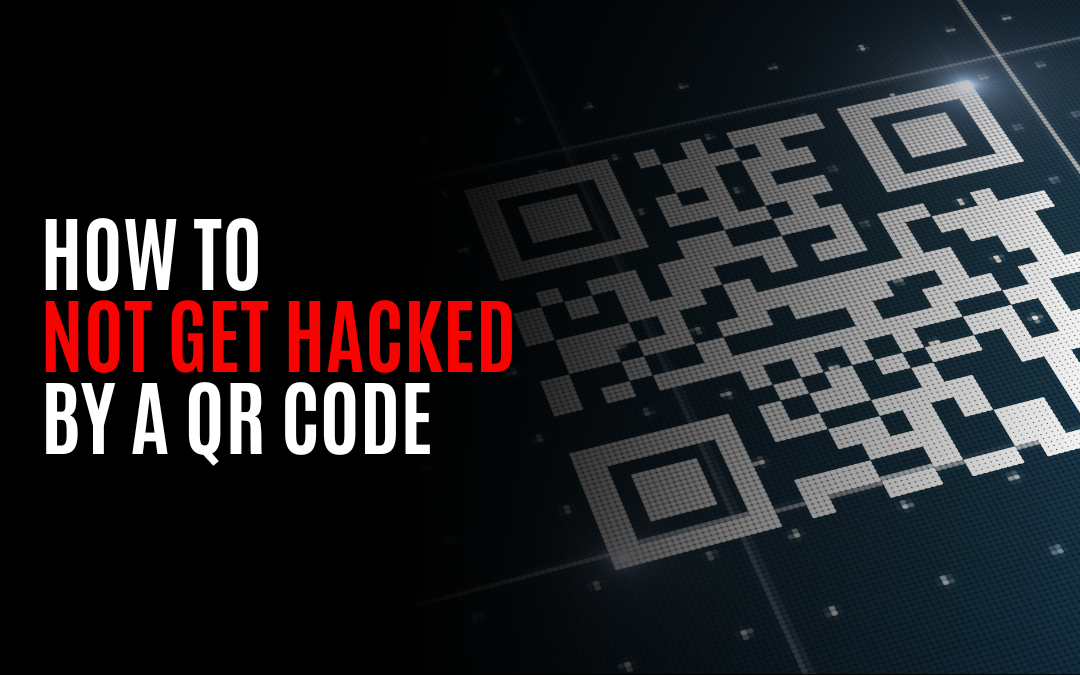
How to Not Get Hacked by a QR Code
QR codes are becoming more popular than ever before. They're everywhere! From restaurants to museums, businesses are using QR codes to provide quick and easy access to information. But here's the thing: hackers love to exploit these little square barcodes. That's why I'm here to spill the beans on how you can stay one step ahead and not get hacked by a QR code. 💡 Let's start with the basics: What is a QR code? You know its a square with a bunch of smaller squares arranged inside, but it's basically a barcode that you can scan with your smartphone camera. It contains information like URLs, contact details, or even payment credentials. The convenience of scanning these codes makes them incredibly useful, but it also opens the door for potential security risks. 👉 But QR codes are really just URL links! You see, hackers can use QR codes to lead you to malicious websites that look legit but are actually designed to steal your personal information or install malware on your device. They...
Keep Your Browsers Secure: Advanced Protection in Chrome, Firefox, and Safari
🔒 Keep Your Browsers Secure: Advanced Protection in Chrome, Firefox, and Safari 🔒 Securing your online activities in today's digital world has never been more crucial. We all want to protect our personal information from those hooligans who try to steal it. 😠 But fear not! Google Chrome, Firefox, and Safari have got your back with advanced protection features that can help safeguard your browsing experience. In this blog post, we're going to dive into the nitty-gritty details of these three popular web browsers and explore the advanced security options they offer. Ready? Let's go! 💻 PART 1: Google Chrome 💻 Google Chrome is one sassy browser that takes security seriously. Here are a few tips to maximize your protection: 1️⃣ Enable Safe Browsing: Toggle on "Safe Browsing" in Chrome settings to guard against suspicious websites or downloads. It'll warn you if you stumble upon a known phishing site or if you're about to download malicious software. 2️⃣ Regularly Update Chrome: Make it a...