Latest Shows
Listen and Read
No Results Found
The page you requested could not be found. Try refining your search, or use the navigation above to locate the post.
The Latest!

Craig’s Comprehensive Guide for Parents on Monitoring and Regulating Children’s Social Media Activity
This comprehensive guide will equip you with the necessary knowledge to set up parental controls on popular social media platforms including Facebook, Instagram, Twitter, and TikTok. You'll also discover reliable third-party apps and tools that can make the process easier. Moreover, we'll emphasize the significance of having open communication with your children regarding their online activities. Then, I will review some third-party Parental Control tools you can use, some talking points for your children, and additional resources. Setting Up Parental Controls on Social Media Platforms Facebook Desktop Log in to your child's Facebook account. Click the downward arrow at the top right corner and select "Settings & Privacy." Choose "Settings," then "Privacy" on the left sidebar. Adjust the privacy settings, such as who can see their posts, send friend requests, and view their profile. Mobile Open the Facebook app and log in to your child's account. Tap on the three horizontal lines...
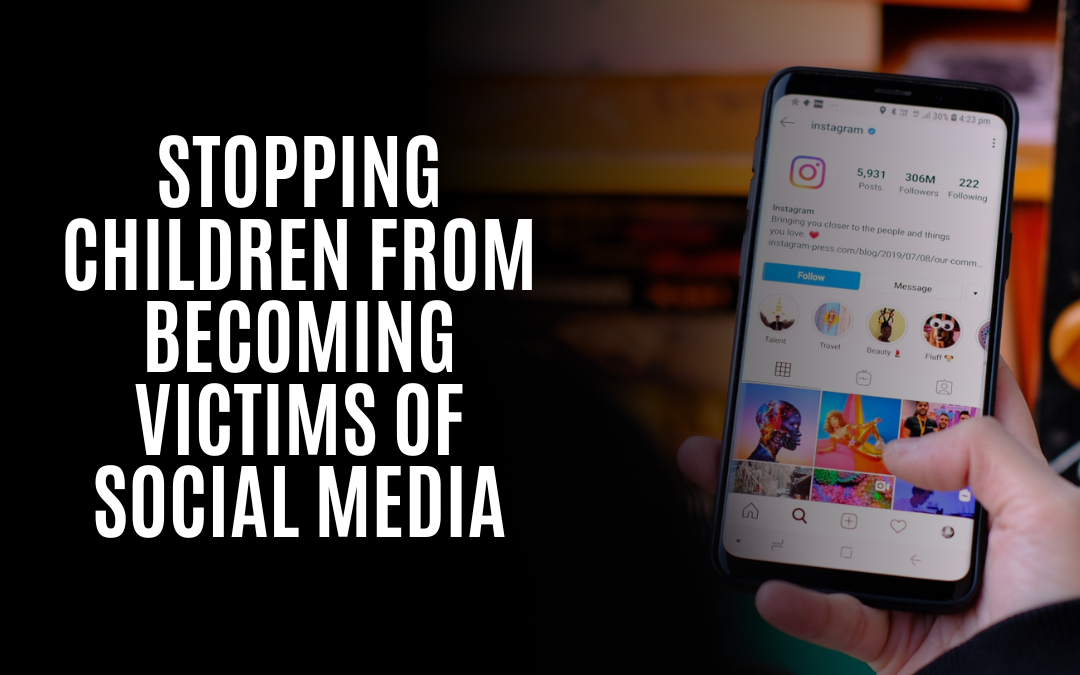
Stopping Children From Becoming Victims Of Social Media
Social media has become a big hit with children, but parents aren't always sure how to keep their kids safe. Here are some facts about social media and kids so you can make an informed decision on what your child should do online: Children can be exposed to inappropriate material on social media sites and apps. The internet and social media can be an excellent way for children to connect with friends. Still, it's also essential for parents to monitor their kids' accounts. For example, some apps have age restrictions. Still, these can be bypassed by entering false dates of birth in the app settings, allowing anyone who knows how to do so (including children) access to inappropriate material. Parents should talk about what they expect from their children on social media sites and apps, as well as how much time they spend using them each day--especially if there are younger siblings around who might be exposed inadvertently if older siblings aren't careful about what they post online or...

10 Myths about Keeping Your Information Safe and Secure Online: Myths And Tips To Help You Save Valuable Time and Money
The internet is an excellent tool for keeping in touch with friends, finding new recipes, getting your news, and doing your shopping. But there are a lot of myths out there about how to keep your information safe and secure online. In this post, we'll look at some of these myths and give tips on saving valuable time and money. Myth: I need antivirus software to protect my computer. Fact: You don't need additional antivirus software for most people. Microsoft Defender is about as good as consumer-level antivirus can be these days, and it comes preinstalled on your computer if it's running Windows 10 or 8.1 (or later). If you're still using an older version of Windows, consider using malware bytes instead of buying extra antivirus software. It has a strong reputation for being lightweight, effective, and easy to use--and its free version won't slow down your machine as some other security programs might.* Malwarebytes doesn't have the same kind of brand recognition as some other brands...

The Hidden Dangers of Social Engineering: Tips to Outsmart Cybercriminals
Social Engineering is a term that is thrown around quite a lot. You've probably heard about it in passing on TV or maybe even in the news. But what exactly does it mean? Social Engineering is a form of hacking, but instead of using technical means to access your data, they try to trick you into giving out your information willingly. This can be done over the phone, through email, or even sometimes in person through physical manipulation. Unfortunately, most people are not aware when they are being targeted by this kind of attack which makes them all the more dangerous because if you don't know about them, you won't be able to protect yourself against them. The different types of social engineering Social engineering is a tactic used by cyber criminals to trick individuals into revealing sensitive information. It's one of the most common ways cybercriminals attack because it works so well. Cybercriminals use social engineering because it's easier than trying to work through the...

Shock and Awe: The Pros and Cons of an All-Electric Military
Jennifer Granholm said she's looking forward to an all-electric military by 2030. That got me thinking... Foolish Reasons: Stealthy as a Disco: While electric vehicles are known for their quiet operation, imagine thousands of vehicles charging simultaneously at a military base -- flashing lights and all. It'd be like hosting an electric toothbrush convention—so much for stealth! Limited Range, Unlimited Frustration: As electric vehicles typically have limited range compared to their combustion engine counterparts, an all-electric military would need to stop for frequent charging breaks. Picture the enemy patiently waiting while soldiers fumble with charging cables and argue over the closest charging station. EMP Vulnerability: With even more electronics at play, an Electromagnetic Pulse (EMP) attack would turn these high-tech military machines into a fleet of overpriced paperweights. Good luck finding a charger that works after that! The Great Battery Hunt: Electric vehicles rely on...
Discover the Top Privacy-Focused Search Engines: Protect Your Data and Boost Your Online Security Today!
Introduction A privacy-focused search engine does not collect or share your personal information with third parties. It doesn't store cookies, use third-party tracking, or even require an account to use it. Instead, the engine uses anonymous metrics to improve its results and provide a better user experience. When you use a search engine, you likely have no idea how much of your data is collected and shared with advertisers and other companies. Unfortunately, this can lead to serious privacy concerns (and even identity theft). If you're like me, this sounds like something we must avoid at all costs! That's why I decided to switch from Google Search to DuckDuckGo: a privacy-focused search engine that doesn't track anything about its users. A privacy-focused search engine does not track or collect your personal data. Privacy has become a hot topic in recent years as people become more aware of how much data they share online and how it can be used against them. Sometimes, this...

Data Danger Zone: Protecting Your Privacy and Security When Disposing of Electronic Devices
The disposal of electronics is a serious issue. We know that, and we take it seriously as well. The information on your computer and other electronic devices might be enough to steal your identity or commit fraud against you. In addition, data from electronic disposal is often sold or traded illegally as a commodity. Therefore, we highly recommend wiping every piece of equipment before tossing it in the recycling bin. The Significant Impact on You of Electronic Equipment Disposal Electronic equipment disposal is no small matter. It's a $20 billion industry in the United States alone--and growing. Environmentalists are concerned about the damage that discarded electronics do to landfills and oceans alike; businesses are worried about the security risks posed by discarded devices; consumers want to protect their personal information from being accessed by others once they've thrown away their old phones or laptops; law enforcement agencies worry about criminals using these devices for...
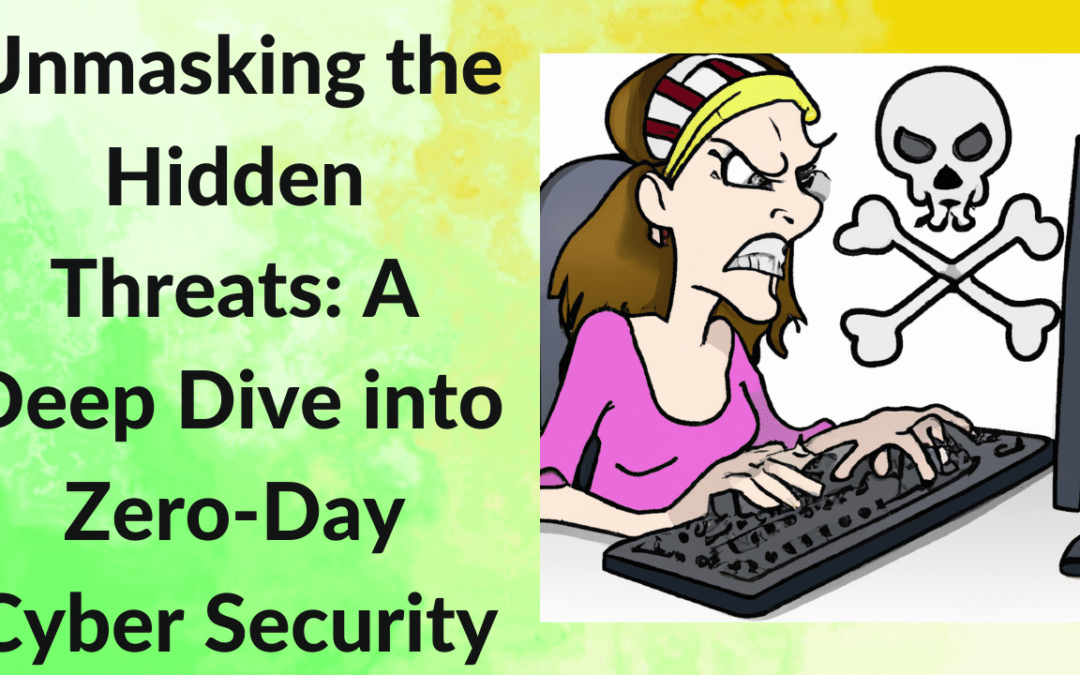
Unmasking the Hidden Threats: A Deep Dive into Zero-Day Cyber Security Vulnerabilities
A zero-day vulnerability is a computer program security flaw unknown to the software developer or vendor. The term "zero day" refers to the number of days since the vulnerability was first discovered or made known. There are different types of zero-day attacks; some are based on malware and others use remote access tools (RATs). Zero-day vulnerabilities exist for several reasons including poor code design, poor quality assurance procedures, slow patch release cycles and users who don't install patches when they're available. Most hackers will exploit zero-days for ransomware attacks and other forms of malware infection. The more time that passes between discovery and disclosure of a zero-day vulnerability, the more likely it is that criminals will have time to leverage it - this means that organizations should patch as soon as possible whenever possible A zero-day vulnerability is a computer program security flaw unknown to the software developer or vendor. A zero-day vulnerability...

Automatic Updates: The Hero We All Need!
Is It a Good Idea? You've probably heard that turning on automatic Windows updates is a good idea. But why? And how? Let's examine why this setting is important and how it can help you save time or money. What are Automatic Windows Updates? Automatic Windows Updates are the updates that Microsoft releases to keep your PC safe and running smoothly. They come in three types: Security Updates - These are available to all users, regardless of whether they have a paid subscription. They're designed to fix any problems with security holes in Windows, which could allow hackers access to your computer if left unpatched. Feature Updates - These include new features such as Cortana or the Edge browser (which used to be called Project Spartan). They're only available for those with an active subscription plan with Microsoft, so if you don't pay for Office 365, you won't get these updates either! How to Turn on Automatic Windows Updates To turn on Automatic Windows updates, you need to follow...