Latest Shows
Listen and Read
No Results Found
The page you requested could not be found. Try refining your search, or use the navigation above to locate the post.
The Latest!
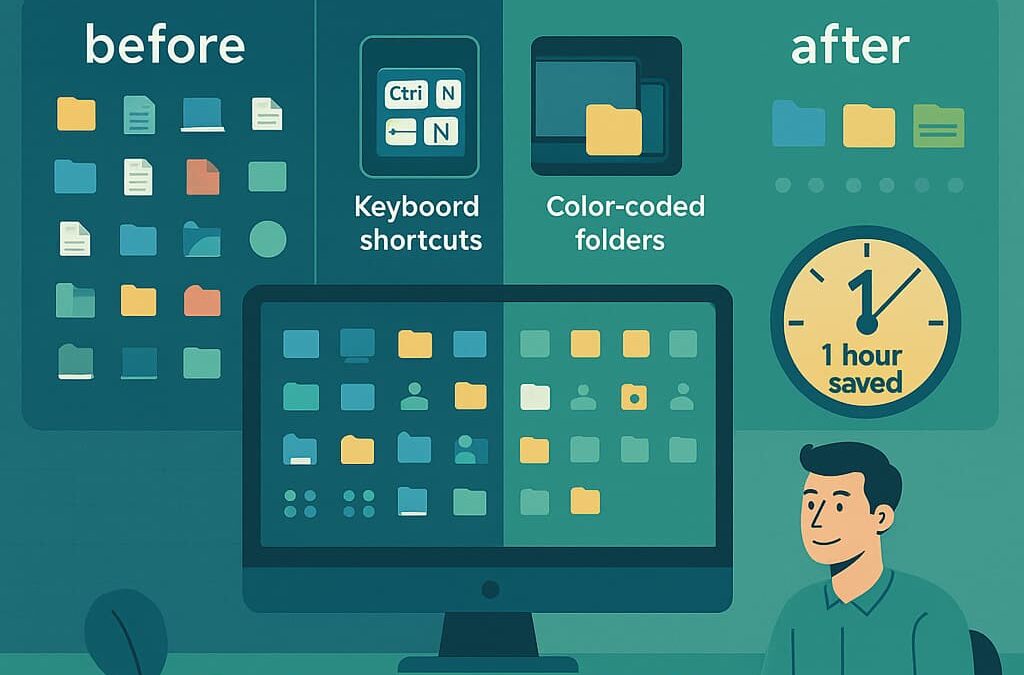
10 Powerful Ways to Customize Your Desktop for Peak Productivity
In today's fast-paced digital world, your computer desktop isn't just a workspace—it's the command center of your professional life. Yet many of us accept the default settings and never unlock the productivity potential right at our fingertips. Let's explore ten customization strategies that can dramatically improve your workflow efficiency and help you reclaim valuable time each day. Instant Download of my Desktop Peak Productivity Playbook 1. Strategic Desktop Organization A cluttered desktop creates mental friction every time you sit down to work. Create a system where only essential files and applications remain visible, with everything else sorted into well-labeled folders. Consider implementing a color-coding system that allows you to visually identify project categories at a glance. This simple organization method can save you countless minutes of searching for files throughout your workday. 2. Automated Cleanup Routines Your desktop shouldn't require constant manual...

Chromebook Security: How to Protect Your Digital Life Without Breaking a Sweat
You know how some people think securing their computer is like trying to solve a Rubik's Cube blindfolded while riding a unicycle? Yeah, it doesn't have to be that complicated. #TechMadeSimple Today, I'm switching gears from my usual Windows security tips to focus on those sleek, cloud-based machines that have been popping up everywhere – Chromebooks. If you've made the switch to these lightweight wonders or are thinking about it, this guide's for you! The Chromebook Revolution: Not Just for Schools Anymore 🏫 Remember when Chromebooks were just those cheap laptops schools handed out? Well, times have changed faster than fashion did after the 80s! According to recent stats, Chromebook sales jumped by over 90% in 2020 (https://www.canalys.com/newsroom/global-pc-market-q4-2020), with small businesses increasingly hopping on the bandwagon. Why? They're affordable, simple, and – here's the kicker – they're actually pretty secure right out of the box. But those hosers (hackers) are getting...
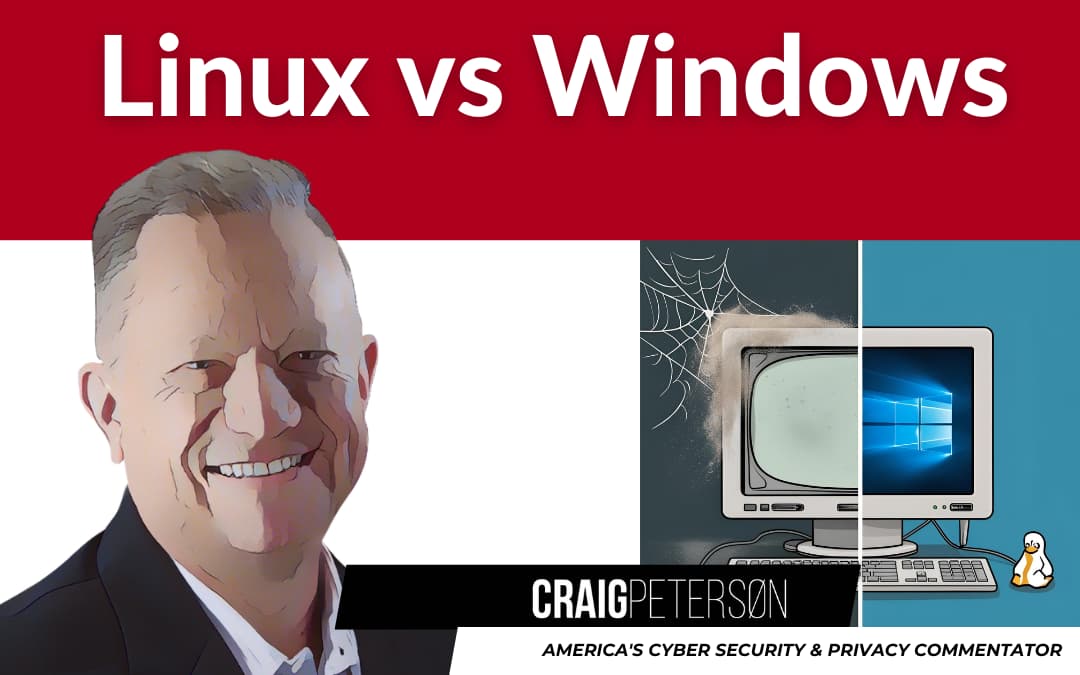
Old Computers, New Life: Can Linux Replace Windows for the Non-Techie
Hey folks! Remember that old Windows PC collecting dust in your office corner? The one that's slower than Joe Biden on tranquilizers? Well, dust it off, because today we're talking about how you might breathe new life into that aging machine without spending a dime. 🐧 #OldButGold #TechRejuvenation The End of Windows 10 Is Coming, and It's a Big Deal 😱 Picture this: It's July 2025. "Uptown Funk" is somehow still getting radio play, and suddenly, millions of perfectly functional computers become digital sitting ducks because Microsoft has ended support for Windows 10. Talk about planned obsolescence that would make even the Spice Girls feel young again! According to recent news from TechSpot, there's a growing movement called the "End of 10" project that's aiming to rescue these computers from the digital scrapheap by converting them to Linux. But wait—isn't Linux just for those techie folks who drink coffee at 2 AM and dream in code? Not anymore! #LinuxMyth What the Heck is Linux...

The Windows 10 Time Bomb: Why October 14, 2025 Should Be Circled in RED on Your Calendar Right Now 😱
Hey folks! Remember Y2K? When we all thought computers would crash and send us back to the Stone Age? Well, there's a new digital doomsday on the horizon, but this one's actually legit. #TechAlert The Ticking Clock You Can't Ignore October 14, 2025. Mark it down. Circle it. Tattoo it on your arm if you have to. That's the day Microsoft pulls the plug on Windows 10 security updates. And if you're thinking, "That's months away, I'll worry about it later" – well, that's exactly what Microsoft is counting on, my friends! Did you know that a whopping 75% of small business computers are currently running Windows 10? Yep, that's three out of four businesses potentially facing a massive security nightmare if they don't plan ahead. #SecurityMatters It's like that scene in "Back to the Future" where Doc Brown is frantically warning Marty about the future – except I'm Doc, you're Marty, and instead of a DeLorean, we're trying to save your business from digital disaster! 🕒 Why "Later" Will Cost...

Navigating the AI Revolution: How to Choose the Right AI Tool for Your Small Business
In today's fast-paced business landscape, artificial intelligence (AI) tools are no longer optional luxuries—they're becoming essential productivity multipliers. But with so many options flooding the market, from ChatGPT to Microsoft Copilot to Claude, many small business owners find themselves frozen in decision paralysis. Sound familiar? You're not alone. For an immediate download of my Playbook "Navigating the AI Revolution: How to Choose the Right Tool for Your Small Business", click here. The AI Decision Paralysis Problem As a small business owner, you're already wearing multiple hats. Now, you're expected to become an AI expert too? The pressure to adopt these new technologies is relentless, but the fear of investing time and resources into the wrong platform is real. "I kept hearing about AI transforming businesses, but I couldn't figure out which solution was right for us," shares Maria, a boutique marketing agency owner. "Every week, it seemed like there was a new...

Is Your Business Tech Holding You Back?
Ever wonder if your office equipment is secretly sabotaging your success? 🤔 I've put together this eye-opening guide that reveals the 7 telltale signs your business technology might be due for an upgrade! From mysterious battery problems that leave you powerless during crucial moments to the frustrating lag that makes your team want to throw their devices out the window - these warning signs matter more than you think. I've seen how modern businesses are leveraging enhanced hardware capabilities, better connectivity, and advanced security features to stay competitive, while others fall behind with outdated tech. The performance gap might be costing you more than you realize! ⚠️ Click through to discover all 7 signs, plus get my practical advice on making smart upgrade decisions that balance your performance needs with budget realities. Don't miss the helpful checklists inside! 💻✅ https://old.craigpeterson.com/phishing-2/protect-yourself-from-phishing/38846/
Why Large Language Models Hit a Wall: The Dead-End on the Road to True AI
Hi guys, let's dive into the world of Large Language Models (LLMs) like GPT-4. They're impressive, no doubt about it. These models can craft compelling essays, generate code, and even ace some pretty tough exams. But while they've got everyone excited about Artificial General Intelligence (AGI), I'm here to tell you why we're probably at a dead-end with using LLM technology alone to get there. Let's break it down. Just what is an LLM vs AI? A Large Language Model (LLM) is a type of artificial intelligence that specializes in processing and generating human-like text. These models, like GPT-4, are trained on vast amounts of text data, allowing them to understand context, grammar, and even some nuances of language. They can perform a range of tasks from answering questions to creating written content, but their capabilities are limited to the patterns they've learned from their training data. On the other hand, Artificial General Intelligence (AGI) refers to a hypothetical AI system...

Phishing’s Prying Claws: How Small Businesses Can Fight Back (Even on a Tight Budget!)
Phishing. That sneaky online con artist trying to trick your employees into handing over sensitive information. While large corporations throw mountains of cash at cybersecurity, what's a small business owner with a limited IT budget supposed to do? The good news: you can protect your business from phishing without breaking the bank. You just need to be smart, strategic, and focus on the fundamentals. Let's tackle the top three ways small businesses are vulnerable to phishing, and more importantly, how to close those gaps. 1. The Budget Barrier: Leveling the Playing Field Without Emptying Your Wallet "We can't afford expensive cybersecurity solutions," I hear you say. And that's completely understandable. The key is to focus on effective solutions, not just expensive ones. Free Security Software Can Be Your Friend: Explore free or freemium versions of reputable antivirus and anti-malware software. Many offer robust protection at no initial cost. Explanation: While paid versions often...

Think Before You Type: 5 Things You Should Never Tell ChatGPT
We've all done it. Struck up a conversation with ChatGPT (or Grok, Gemini, or Claude) like it's an old friend, a therapist, or a super-smart assistant. As Nicole Nguyen points out in her recent Wall Street Journal piece, "The Five Things You Shouldn’t Tell ChatGPT," these AI tools learn a lot about us from these chats. They remember our preferences, our problems, even intimate details we might later regret sharing. While this personalization makes chatbots incredibly useful – analyzing data, debugging code, drafting emails – it comes with significant privacy risks. AI companies use our conversations to train their models, and as Nguyen highlights, this data isn't always secure. Bugs have exposed chat snippets, emails have gone astray revealing personal info, and there's always the risk of data breaches or warrants compelling companies to hand over chat logs. Even the AI companies themselves issue warnings. OpenAI asks users not to share sensitive information, and Google reminds...